
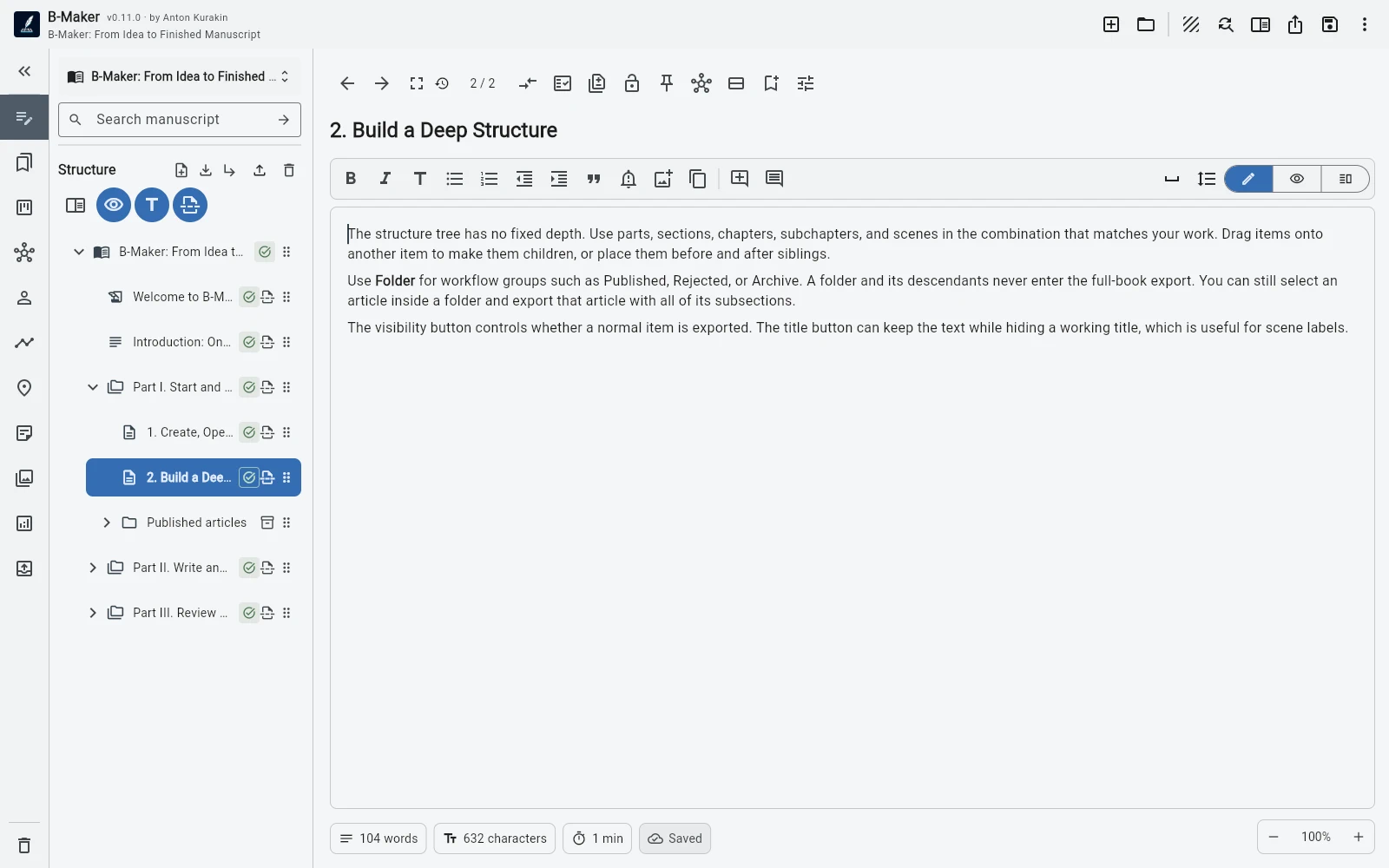
B-Maker can keep a long-running article collection inside one project while still supporting versions, Markdown, search, collections, and selective export.
Drafts and published work can coexist
Active material can stay visible while finished pieces move into an organizational Published folder. Collapse it to reduce clutter without losing searchability or context.
Because organizational branches can be excluded from book export, the same project can later contain a long-form manuscript without mixing output unintentionally.
Version a text without duplicating the project
Each article or section can keep named versions. Compare rewrites, lock a finished edition, and attach comments to the whole text or a specific passage.
This is more structured than maintaining separate files for every revision.
Reuse material deliberately
Collections and saved searches help surface articles around a topic. That makes it easier to identify reusable explanations, repeated passages, or clusters that could become a guide or book.
B-Maker keeps portable Markdown inside the project and can export Markdown as well as book-oriented formats.
Frequently asked questions
Can B-Maker store many articles in one project?
Yes. Articles can be organized with folders, collections, and saved searches.
Does B-Maker support Markdown?
B-Maker keeps portable Markdown inside the project and can export Markdown as well as other book formats.
Related B-Maker guides
Writing Software for Articles and Books — Keep Everything Together · How to Turn Articles Into a Book — Without Copy-Pasting a Blog · Manuscript Version Management Without final-final.docx
Try the workflow on a real project.
Open B-Maker in the browser and start with one chapter or one article. Add deeper tools only when the project needs them.