
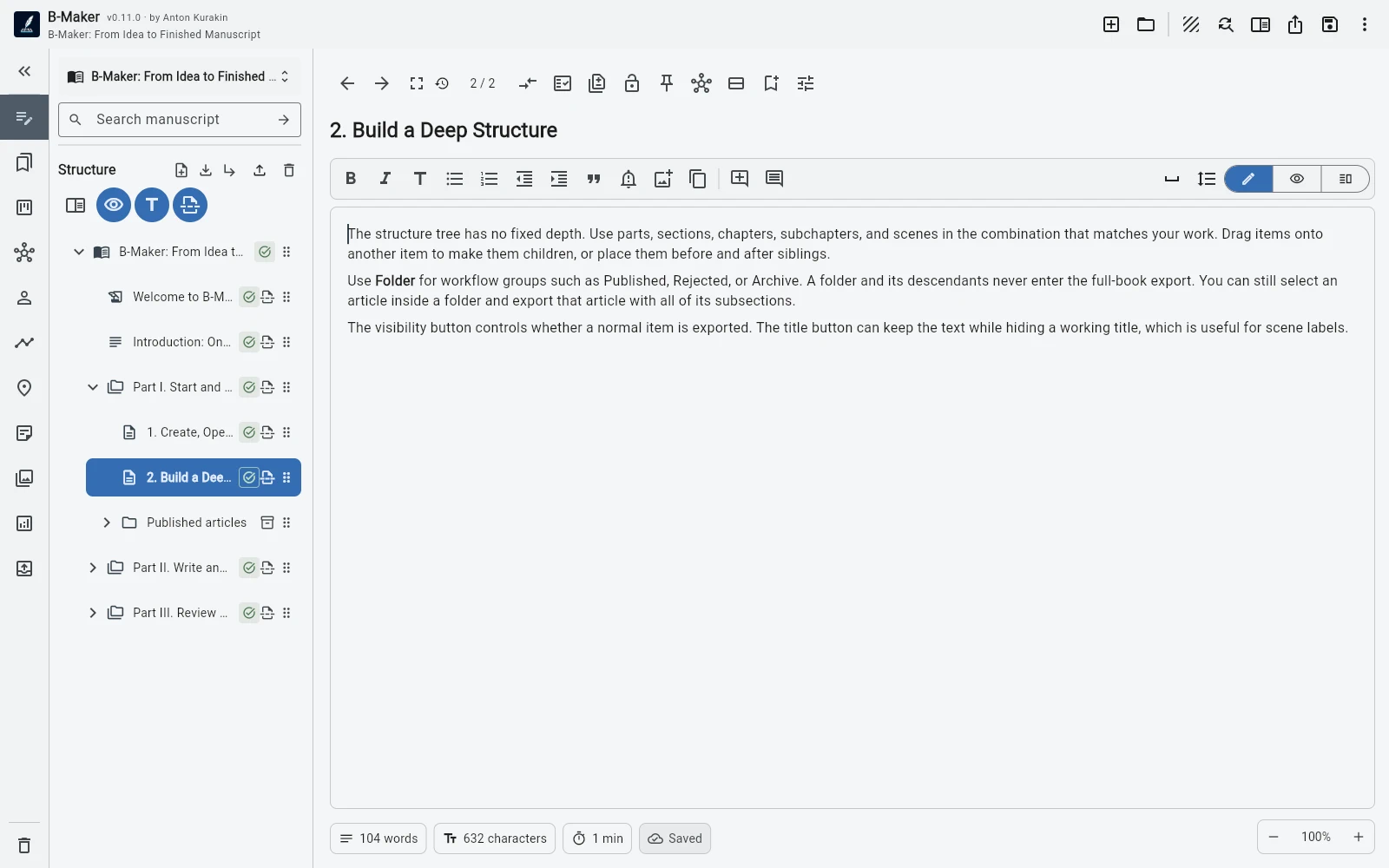
B-Maker lets active drafts, published work, research, and a growing manuscript stay in one project without forcing them into one export structure.
Keep a working archive
Use ordinary folders for active material and organizational folders such as Published for finished pieces. Collapse the archive when you do not need it; the content stays searchable and reusable.
Organizational folders and their subtrees can be excluded from the book export, so the author archive does not automatically become part of the manuscript.
Use collections instead of moving files
Manual collections and saved searches create working views across the project without changing the actual tree. You can gather articles around a theme, collect items to revise this week, or surface every draft-status section.
This becomes useful when the project contains years of material rather than one linear document.
Turn accumulated material into a manuscript
When several articles start pointing toward the same argument or theme, build a separate book structure beside the archive. Reuse ideas, not just files: reorganize the argument, remove repetition, add transitions, and create missing chapters.
The original published pieces can remain intact while the book becomes its own coherent work.
Frequently asked questions
Can published articles stay in the same project?
Yes. Put them in an organizational folder such as Published, collapse it, and keep them searchable without cluttering active work.
Will archived articles be exported into my book?
Organizational folders and their subtrees can be excluded from book export.
Related B-Maker guides
How to Turn Articles Into a Book — Without Copy-Pasting a Blog · Writing Software for Bloggers and Technical Writers — Drafts, Versions and Archive · Nonfiction Writing Software — Research, Structure, Revisions and Publishing
Try the workflow on a real project.
Open B-Maker in the browser and start with one chapter or one article. Add deeper tools only when the project needs them.