
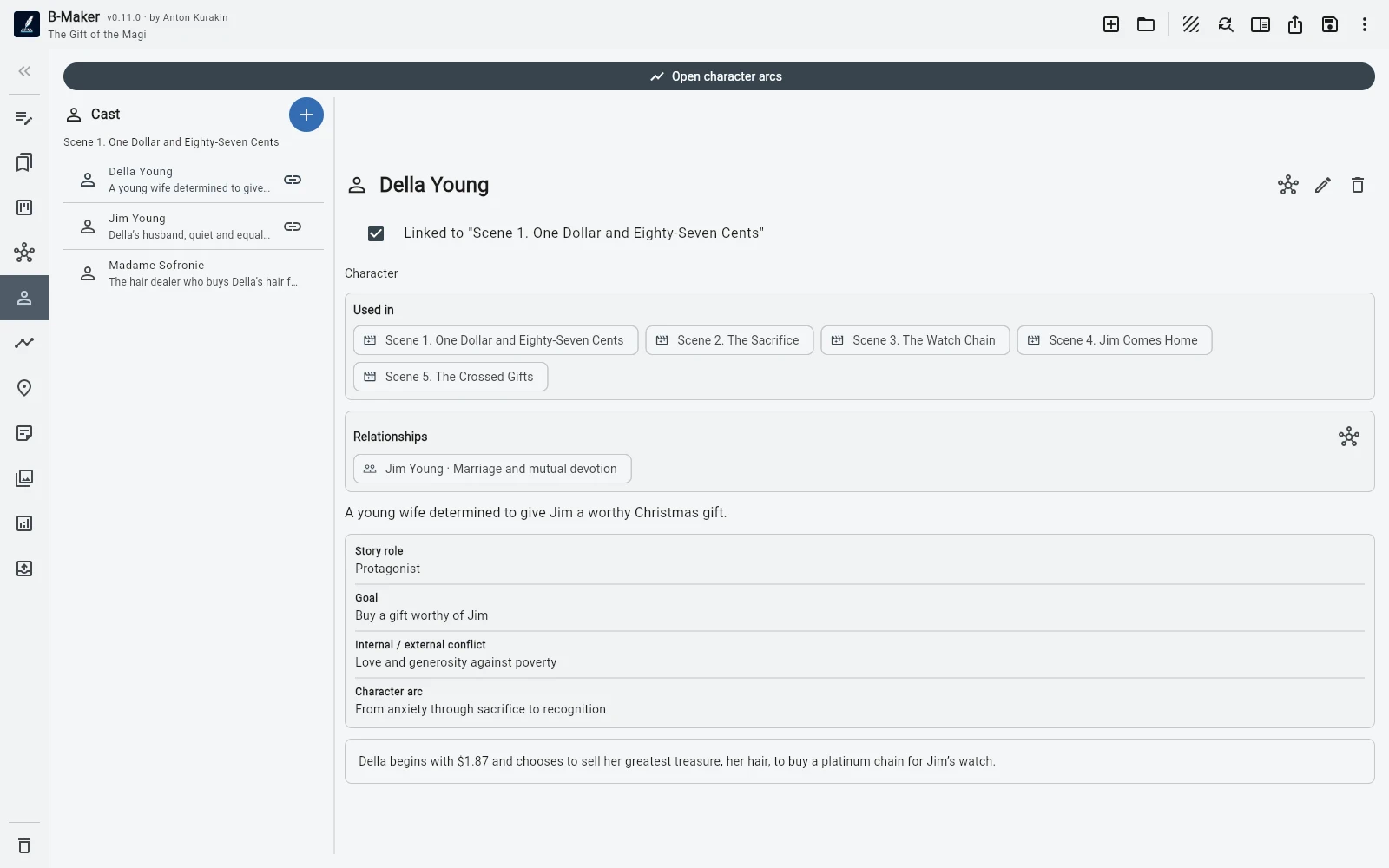
Start with a chapter and a clean editor. Add structure, characters, plotlines, an idea map, manuscript board, versions, analytics, and publishing tools only as the novel grows.
Why a novel stops behaving like one document
A short draft can live in a word processor. A longer novel becomes a small system: scenes move, characters change motivation, subplots cross several chapters, and old versions become useful again.
The challenge is not typing. It is keeping all those representations of the story synchronized.
One manuscript, several views
The manuscript tree remains the structural source of truth. The continuous editor shows the full text; collections isolate a working subset; the board works by status; the story grid shows plotlines across chapters and scenes.
Those are views over the same project rather than separate planning files.
Rewrite and finish
Sections can keep named versions, locked finished drafts, comparisons, and comments. Analytics and editorial checks then surface repetition, structural gaps, draft markers, and other finishing signals.
Preview and publishing tools carry the project through to EPUB, PDF, DOCX, TXT, or Markdown.
Frequently asked questions
Can B-Maker manage scenes as well as chapters?
Yes. The manuscript supports nested structure, and planning views can work with chapters, scenes, characters, and plotlines.
Can I compare rewrites of the same chapter?
Yes. Sections can keep named versions that can be compared, locked, and selected as current.
Related B-Maker guides
How to Organize a Novel Without Turning Writing Into Admin Work · B-Maker vs Plottr — Writing Project or Dedicated Story Planner? · Manuscript Version Management Without final-final.docx
Try the workflow on a real project.
Open B-Maker in the browser and start with one chapter or one article. Add deeper tools only when the project needs them.