
Choose Plottr if dedicated plotting depth, timelines, templates, and story-bible workflows are your priority. Choose B-Maker if continuity from planning to finished manuscript matters more than specialist plotting depth.
Plotting depth versus continuity
Plottr is designed around timelines, scene cards, plotlines, characters, places, notes, tags, series planning, and a large template library. That specialist focus is valuable before and during drafting.
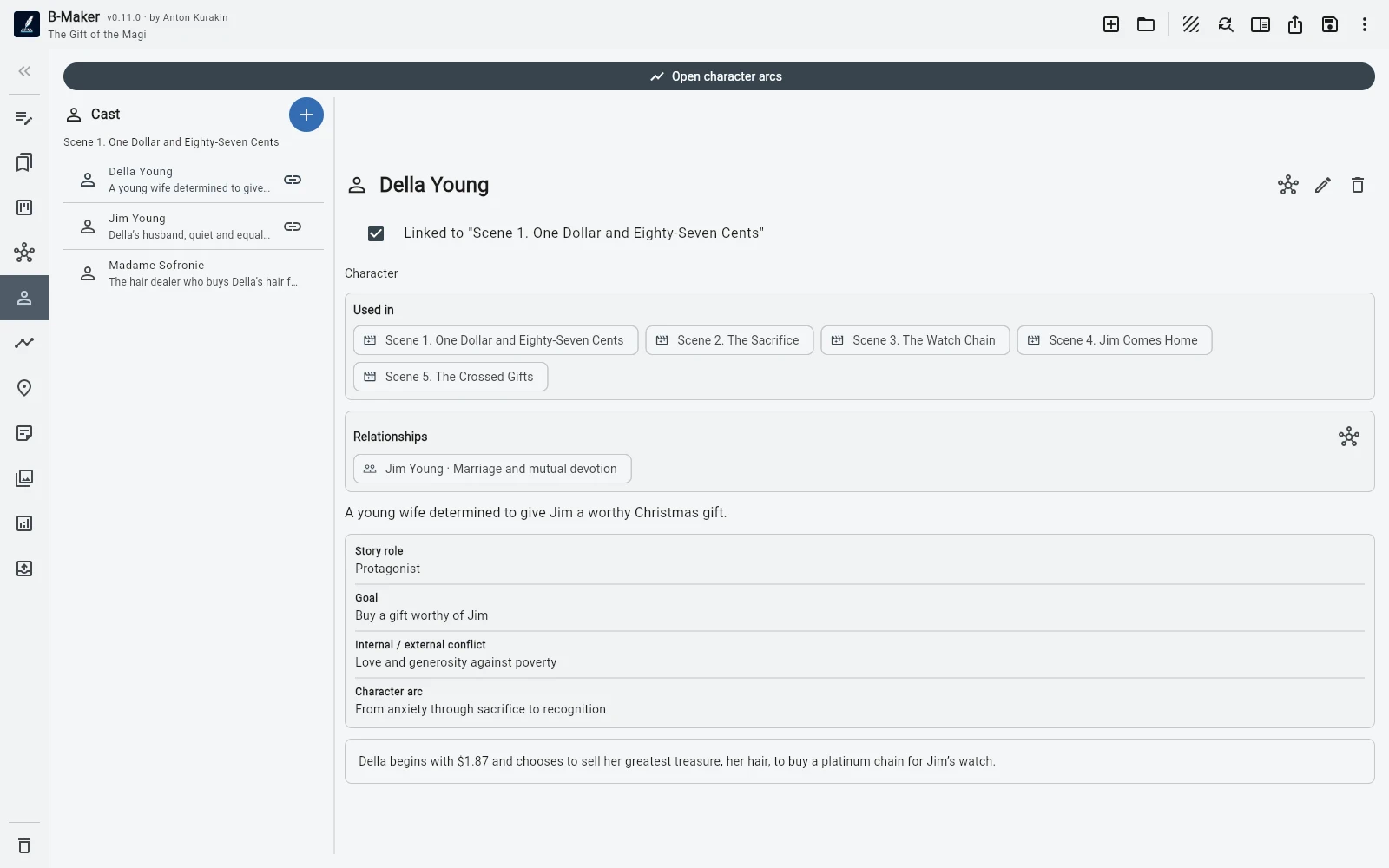
B-Maker has characters, relationships, arcs, plotlines, locations, a story grid, manuscript board, Idea Map, and collections, but its distinguishing feature is that these views are attached to the same project that contains the actual text.
Where the manuscript lives
Plottr commonly hands the project off to Word or Scrivener when it is time to write. B-Maker tries to remove that handoff: open a chapter, use the full-manuscript editor, keep versions, run checks, preview the book, and export from the same project.
Neither model is universally better. A specialist planner can be more powerful at its specific job; an integrated system reduces translation between tools.
Who benefits from each approach
Writers who rely heavily on established plotting templates, timeline-first planning, or series bibles may prefer Plottr. Writers who begin with text and add planning only as complexity grows may prefer B-Maker's progressive workflow.
B-Maker also fits authors who mix fiction with articles, research, or other material that should remain in one portable project.
Frequently asked questions
Is Plottr better for dedicated plotting?
For writers who want a specialist visual plotting system with many templates, Plottr can be the stronger dedicated planner.
Can B-Maker take a project all the way to export?
Yes. The same project continues through writing, revisions, analytics, preview, publishing preparation, and export.
Related B-Maker guides
Novel Writing Software — Plan, Write, Revise and Publish · How to Organize a Novel Without Turning Writing Into Admin Work · Writing Software with an Integrated Idea Map
Official product reference
Plottr details are based on the official Plottr features page. B-Maker details reflect the current product project page.
Try the workflow on a real project.
Open B-Maker in the browser and start with one chapter or one article. Add deeper tools only when the project needs them.