
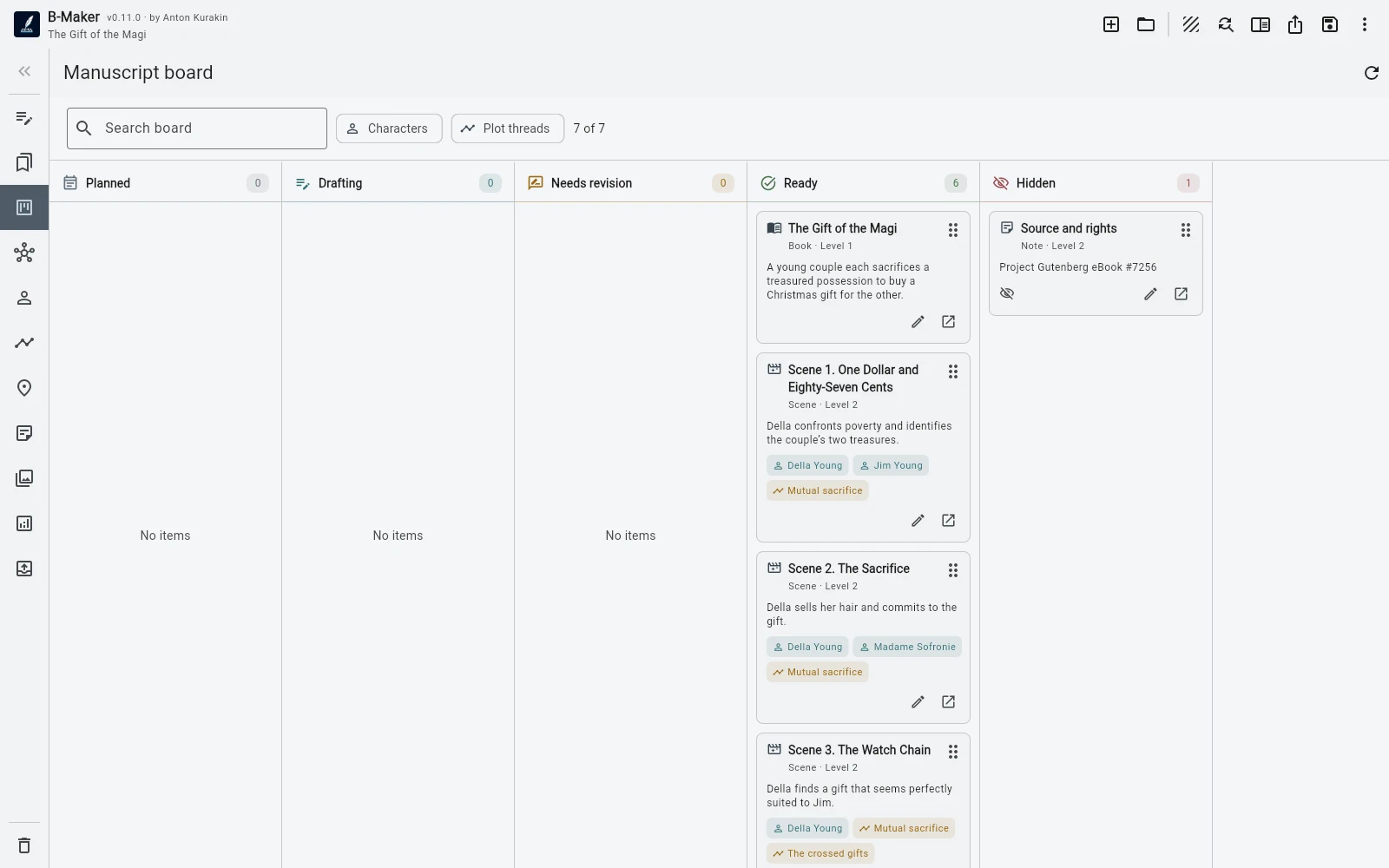
Use one manuscript tree as the source of truth. Add temporary collections, status boards, story views, and Idea Map only when each view answers a concrete question.
Start with one structural source of truth
The manuscript tree should answer a basic question: what is the book's actual order? Chapters and nested sections belong there. Avoid creating a parallel master outline that must be updated manually.
Every additional representation should be a view over the same project, not another copy of the novel.
Separate structure from attention
A collection is not the book order. It can be a temporary set such as scenes to revise this week or chapters involving one theme. The manuscript board can group work by status without rearranging the underlying structure.
This lets you change what you are looking at without changing what the book is.
Add story semantics only when useful
Characters, relationships, plotlines, arcs, locations, and visual boards help when the novel has enough complexity to justify them. They do not need to be filled in before the first scene.
Progressive structure keeps planning subordinate to writing rather than the reverse.
Frequently asked questions
Should I organize every scene before writing?
No. Start with only the structure you need and add deeper views when they become useful.
What is the difference between a collection and the manuscript tree?
The tree is the actual book structure. A collection is a temporary working set that does not move the underlying manuscript.
Related B-Maker guides
Novel Writing Software — Plan, Write, Revise and Publish · Writing Software with an Integrated Idea Map · Manuscript Version Management Without final-final.docx
Try the workflow on a real project.
Open B-Maker in the browser and start with one chapter or one article. Add deeper tools only when the project needs them.