
Choose Scrivener if you want a proven, extremely deep long-form environment and are willing to learn it. Try B-Maker if your priority is a faster entry point plus an integrated Idea Map, project-aware planning, versions, analytics, publishing tools, and a portable local-first project.
| Area | B-Maker | Scrivener |
|---|---|---|
| Approach | Books and article collections in one portable local-first project | Powerful long-form writing and research project |
| Getting started | Built-in guide/demo projects, then project → chapter/article → write | Much deeper feature set, with more concepts to learn |
| Platforms | Native macOS + Windows; web app also available | macOS, Windows, iOS/iPadOS |
| Mobile / web | Web app can be opened on modern browsers | Native iOS/iPadOS; no official web or Android app |
| Sync | No mandatory B-Maker cloud backend; project file stays under user control | Dropbox is supported for iOS project sync |
| Revisions | Multiple named versions, locking, full-screen comparison, passage comments | Snapshots with comparison |
| Planning | Integrated multi-board Idea Map, manuscript board, characters, relationships, arcs, plotlines, locations, story grid, collections and saved searches | Binder, Corkboard, Outliner, metadata, research tools |
| Publishing | Full preview, publishing package/readiness checklist, DOCX, EPUB, PDF, TXT, Markdown | Compile system with Word, PDF, EPUB/ebook and other outputs |
The biggest difference is philosophy
Scrivener has had years to grow into a broad professional environment. Its strength is depth: Binder, Corkboard, Outliner, metadata, research storage, Snapshots, Compile, and many other tools can support very complex manuscripts.
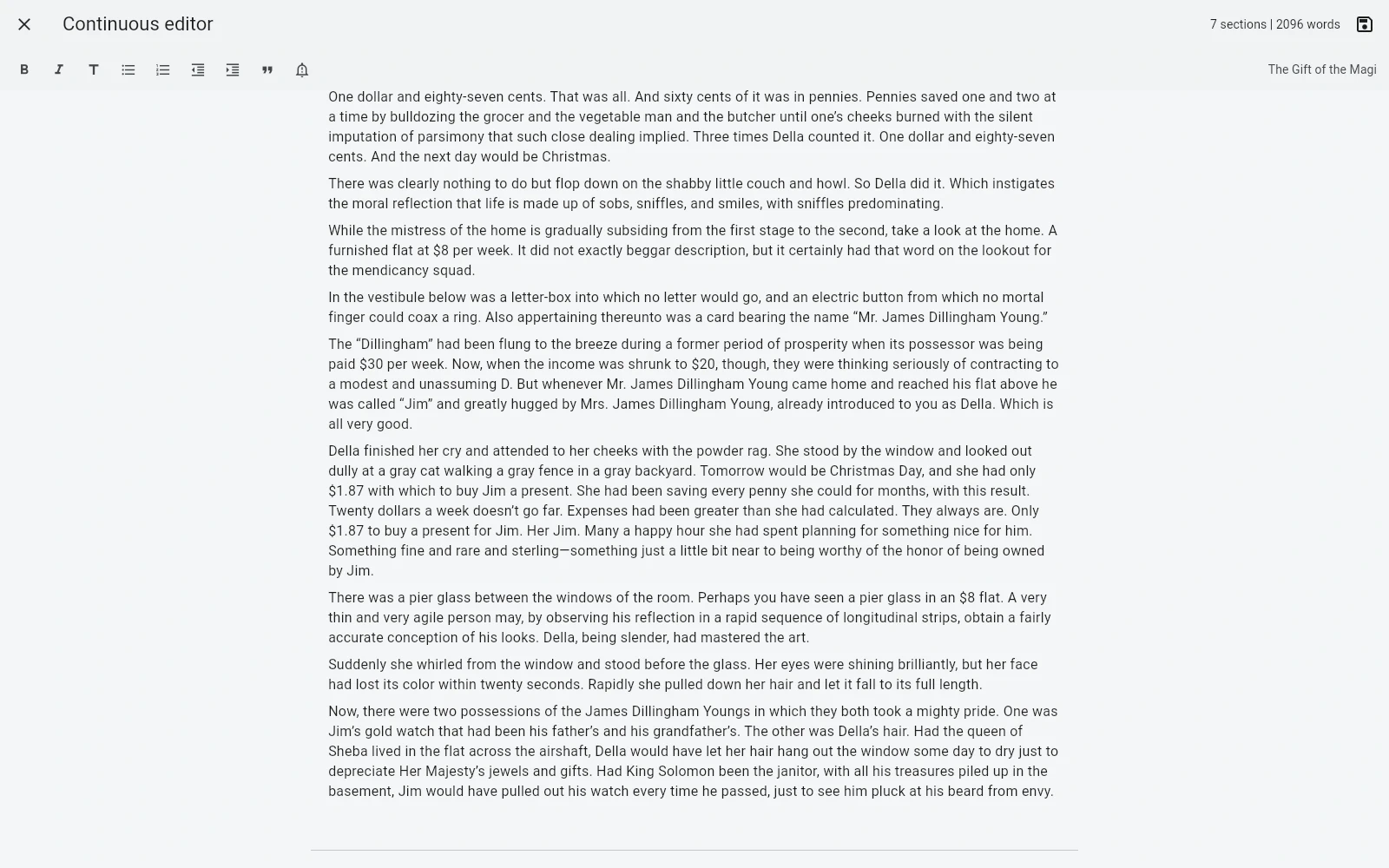
B-Maker exposes the simplest path first: create or open a project, add a chapter or article, write. The deeper tools are there when needed — continuous full-manuscript editing, collections, project-aware idea boards, story planning, revisions, text checks, analytics, and publishing preparation.
macOS is no longer a platform differentiator
Earlier versions of this comparison gave Scrivener a clear advantage for writers who required a native Mac application. That is no longer accurate: B-Maker now ships a native macOS desktop package as well as its Windows application and web app.
The meaningful difference is therefore workflow maturity and philosophy, not whether a Mac user can install a desktop application.
Visual thinking and structure
B-Maker includes an Idea Map inside the project. Notes, chapters, scenes, characters, plotlines, images, and planning cards can share boards, and map notes or groups can become real manuscript sections. Scrivener's visual planning centers on Corkboard and Outliner, with Scapple available separately for freeform mapping.
Project ownership and sync
B-Maker does not require a mandatory account or proprietary cloud backend. A desktop project is a portable .bmaker file. This is useful if you prefer local storage and your own backup workflow, but there is no built-in conflict-aware cross-device synchronization or real-time collaboration today.
Scrivener is also fundamentally desktop-file oriented, while its iOS workflow supports Dropbox synchronization.
When Scrivener is the better choice
- You want a mature tool with years of development behind it.
- You need very deep outlining, metadata, research, and Compile options.
- You rely on Scrivener's established iOS/iPadOS workflow.
- You already have a Scrivener process that works.
When B-Maker is worth trying
- You want to start writing before learning a large application.
- You want freeform idea mapping connected to real chapters, scenes, characters, and plotlines.
- You want native macOS or Windows desktop work while keeping the project as a portable local-first file.
- You keep article series or working archives alongside longer projects.
Frequently asked questions
Does B-Maker have a native Mac app?
Yes. Native macOS and Windows packages are available, alongside the web app.
Is B-Maker a Scrivener clone?
No. The products overlap in long-form writing, but B-Maker is built around progressive complexity, one portable project, and an integrated Idea Map.
Related B-Maker guides
Scrivener alternative for a simpler long-form workflow · Book writing software for Mac · Local-first writing software and project ownership
Verdict
Scrivener remains stronger where maximum maturity and configurability matter most. B-Maker's case is continuity: article or chapter, Idea Map, manuscript structure, revision, analysis, and publication preparation can stay in the same portable project — now with native desktop applications on both macOS and Windows.
Sources and product pages
Scrivener facts on this page are based on Literature & Latte's official product information. B-Maker details reflect the current product release and project page as of August 2026.