
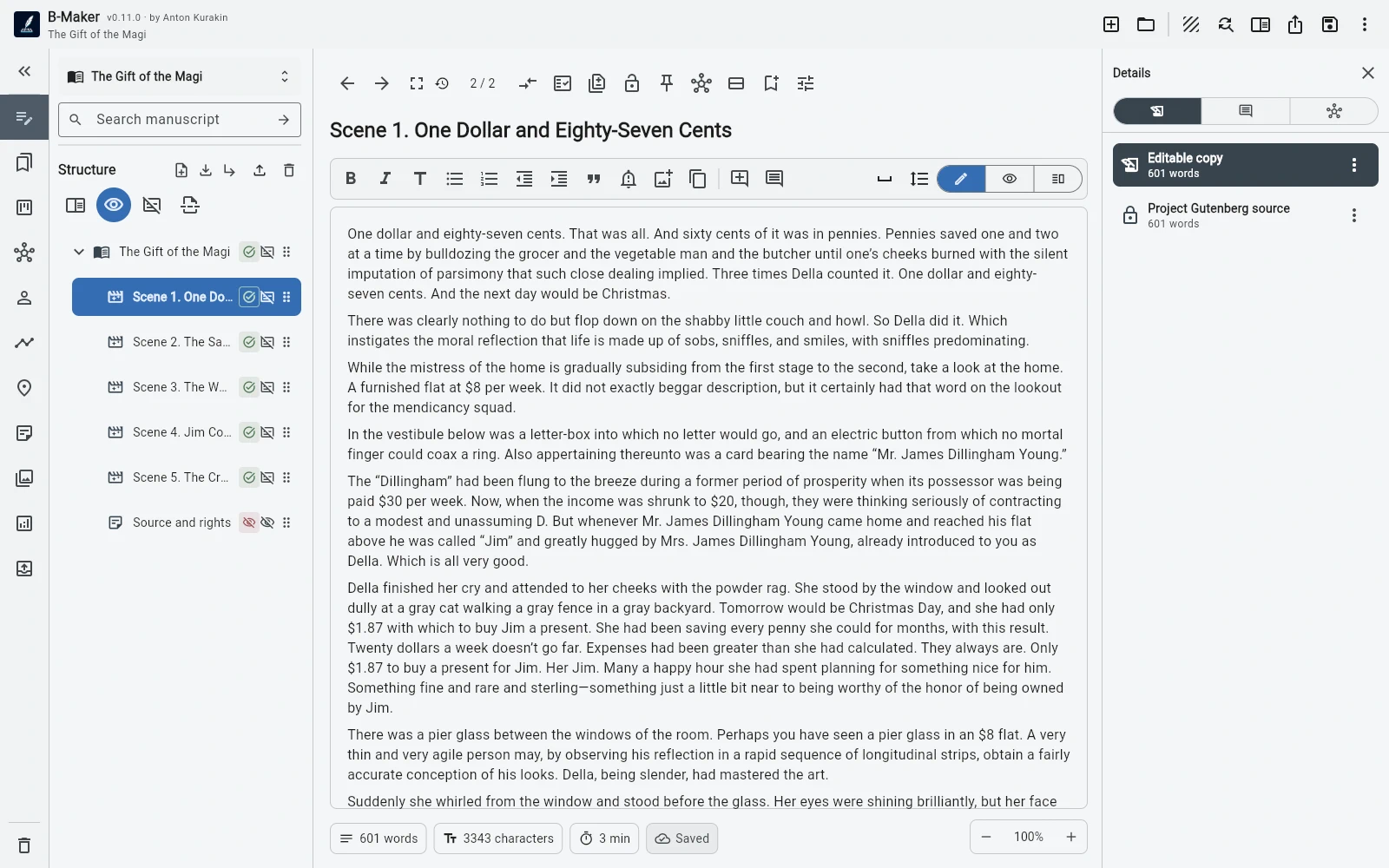
B-Maker stores the project as a portable .bmaker file. Windows can work with local files directly, and the web app can download the browser project as the same portable format.
What local-first means here
The manuscript, versions, planning data, comments, cover, illustrations, and publishing information can live together in a SQLite-based .bmaker file. You can keep and back up that file using your own storage practices.
This reduces dependence on a vendor account for basic access to the writing project.
What local-first does not mean
B-Maker does not currently claim automatic conflict-aware synchronization or real-time collaboration. If you move the project between devices, you are responsible for how that file is transferred and backed up.
That limitation is explicit because ownership and sync are different product capabilities.
Why writers may care
Long-form projects can last years. A portable project format makes backups, archiving, device changes, and personal storage policies easier to reason about.
The trade-off is that people who want seamless multi-user cloud collaboration may prefer a cloud-first tool.
Frequently asked questions
Does B-Maker require its own cloud storage?
No. The project can remain a portable .bmaker file under your control.
Does B-Maker automatically sync the same file between devices?
Not currently. You can move the portable project using the storage system you already use.
Related B-Maker guides
Cross-Platform Writing Software — Windows, Mac, Linux, Chromebook and Tablets · Book Writing Software for Windows — Native Local-First App · Book Writing Software for Mac — Browser-Based B-Maker Workflow
Try the workflow on a real project.
Open B-Maker in the browser and start with one chapter or one article. Add deeper tools only when the project needs them.