
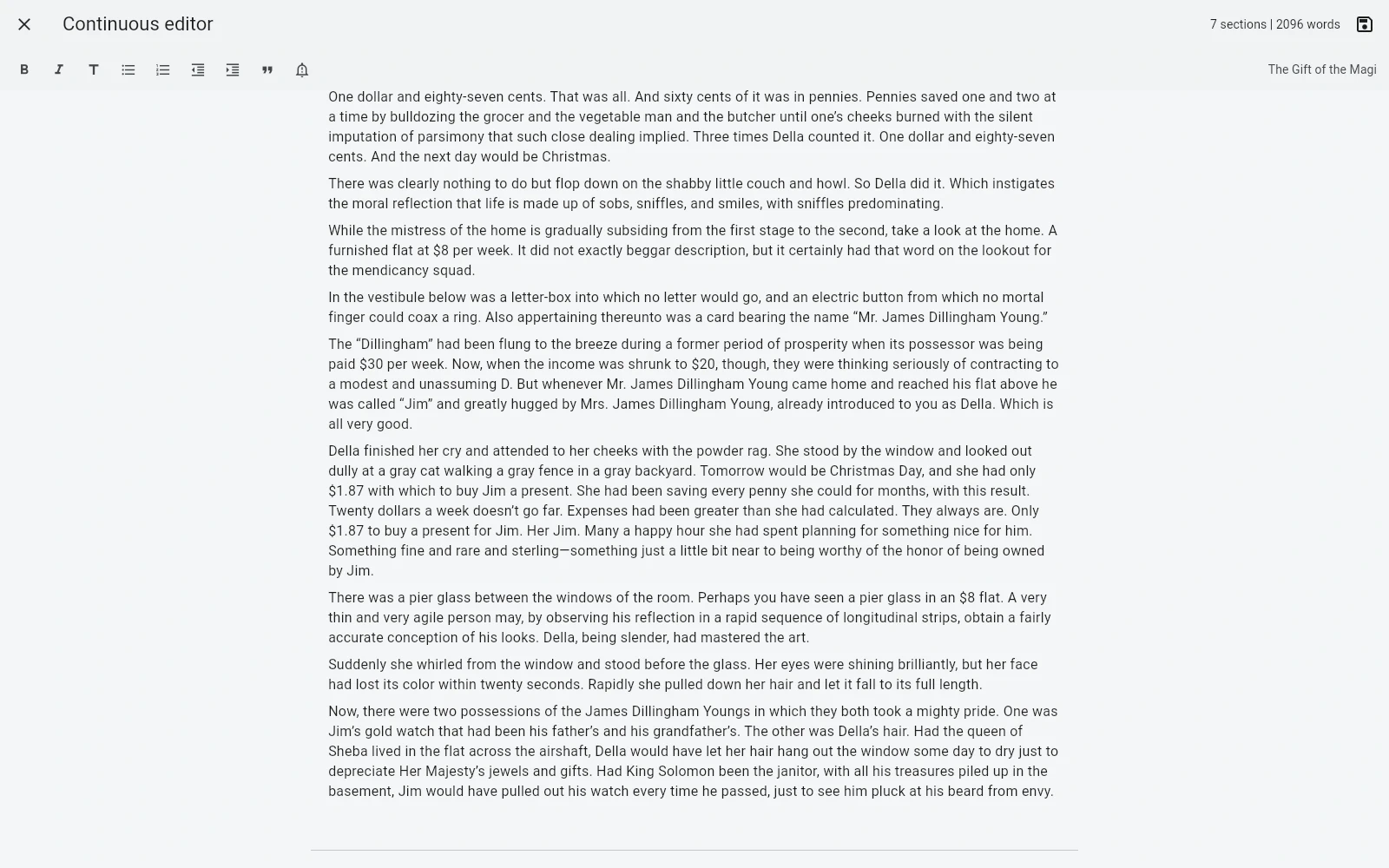
B-Maker is available as a native macOS desktop application. The desktop workflow uses local project files; the browser version remains available as an additional option.
Start with the text
Create a project, add a chapter or article, and write. The deeper structure does not have to be designed before the first paragraph. Collections, planning tools, Idea Map, versions, analytics, and publishing preparation can appear as the project grows.
A native Mac app, not a browser workaround
The macOS package is a desktop version of B-Maker with direct access to local project files. You can keep the writing project on your Mac, back it up using the storage you already trust, and move the same portable .bmaker file between machines.
The web app still exists for situations where installing software is inconvenient, but it is no longer the only Mac workflow.
One project for more than the manuscript
The project can contain the manuscript, versions, comments, characters, plotlines, locations, Idea Map boards, planning cards, cover, illustrations, analytics, and publishing information. That reduces the need to keep a second planning tool beside the book.
Local-first does not mean automatic sync
B-Maker does not require a proprietary cloud backend for your manuscript. The project stays as a file under your control. Built-in conflict-aware cloud synchronization is not currently claimed, so you choose how files are backed up or transferred between devices.
Frequently asked questions
Does B-Maker have a native Mac app?
Yes. A native macOS package is available for download.
Can I use B-Maker without the cloud?
Yes. The desktop project is a local portable .bmaker file. You can store and back it up using your own workflow.
Is there still a browser version?
Yes. The web app remains available alongside the native macOS and Windows applications.
Related B-Maker guides
Cross-Platform Writing Software — macOS, Windows and Web · Local-First Writing Software — Keep Your Manuscript as Your File · B-Maker vs Scrivener
Start with one page.
Install B-Maker on your Mac and start with one chapter, one article, or one idea. Add the deeper tools only when the project needs them.