
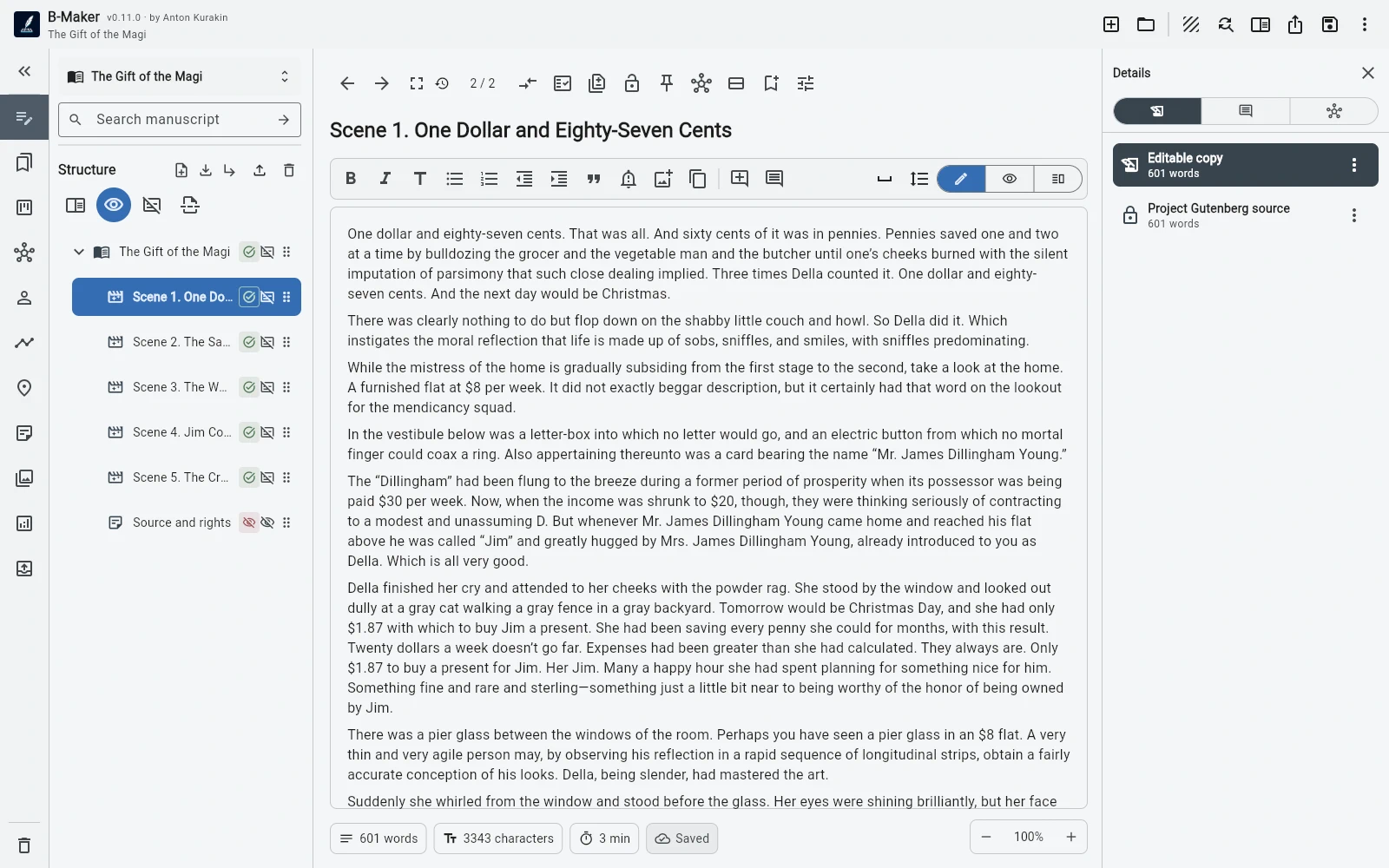
B-Maker is not a feature-for-feature Scrivener replacement. It is an alternative for writers who value progressive complexity, native Mac and Windows desktop work, one portable project, and tighter links between ideas, manuscript, revisions, and publishing.
Start with writing, not configuration
Open a project, add a chapter or article, and write. Collections, characters, plotlines, Idea Map, manuscript board, versions, analytics, and publishing preparation can stay out of the way until they are useful.
This is a different trade-off from a mature power tool: fewer concepts up front, but still room for the project to grow.
Native macOS and Windows, plus the web
B-Maker now has native desktop packages for both macOS and Windows. That means Mac users no longer need to treat the browser as the primary way to use B-Maker.
The web app remains available on Linux, Chromebook, tablets, or whenever installing a desktop application is inconvenient.
One portable project
B-Maker uses a portable .bmaker project file. The manuscript, versions, planning data, comments, cover, illustrations, and publishing information can remain together without a mandatory proprietary cloud.
There is no built-in automatic conflict-aware cross-device sync today; portability means you keep control of the file and choose how it is backed up or transferred.
When Scrivener is still the better choice
Scrivener is the safer choice if you need its mature Compile system, very deep metadata and research workflows, established iOS/iPadOS ecosystem, or an existing workflow you already know.
Native Mac availability by itself is no longer a reason to rule out B-Maker.
Where B-Maker is different
B-Maker is strongest when you want a clean start and an integrated path from loose notes and visual planning to real manuscript sections, revisions, analysis, and final output. The Idea Map is part of the same project rather than a separate visual-thinking application.
Frequently asked questions
Is B-Maker available natively on Mac?
Yes. B-Maker has native macOS and Windows packages.
Is B-Maker simpler than Scrivener?
The entry path is intentionally simpler. Deeper tools are present, but B-Maker does not require them before you can start writing.
Can I move a B-Maker project between computers?
Yes. A project is a portable .bmaker file. You choose how it is stored, backed up, and moved.
Related B-Maker guides
B-Maker vs Scrivener · Book Writing Software for Mac · Cross-Platform Writing Software — macOS, Windows and Web
Try a smaller entry point.
Install B-Maker on Mac or Windows and start with one chapter or one article. Add deeper tools only when the project needs them.