
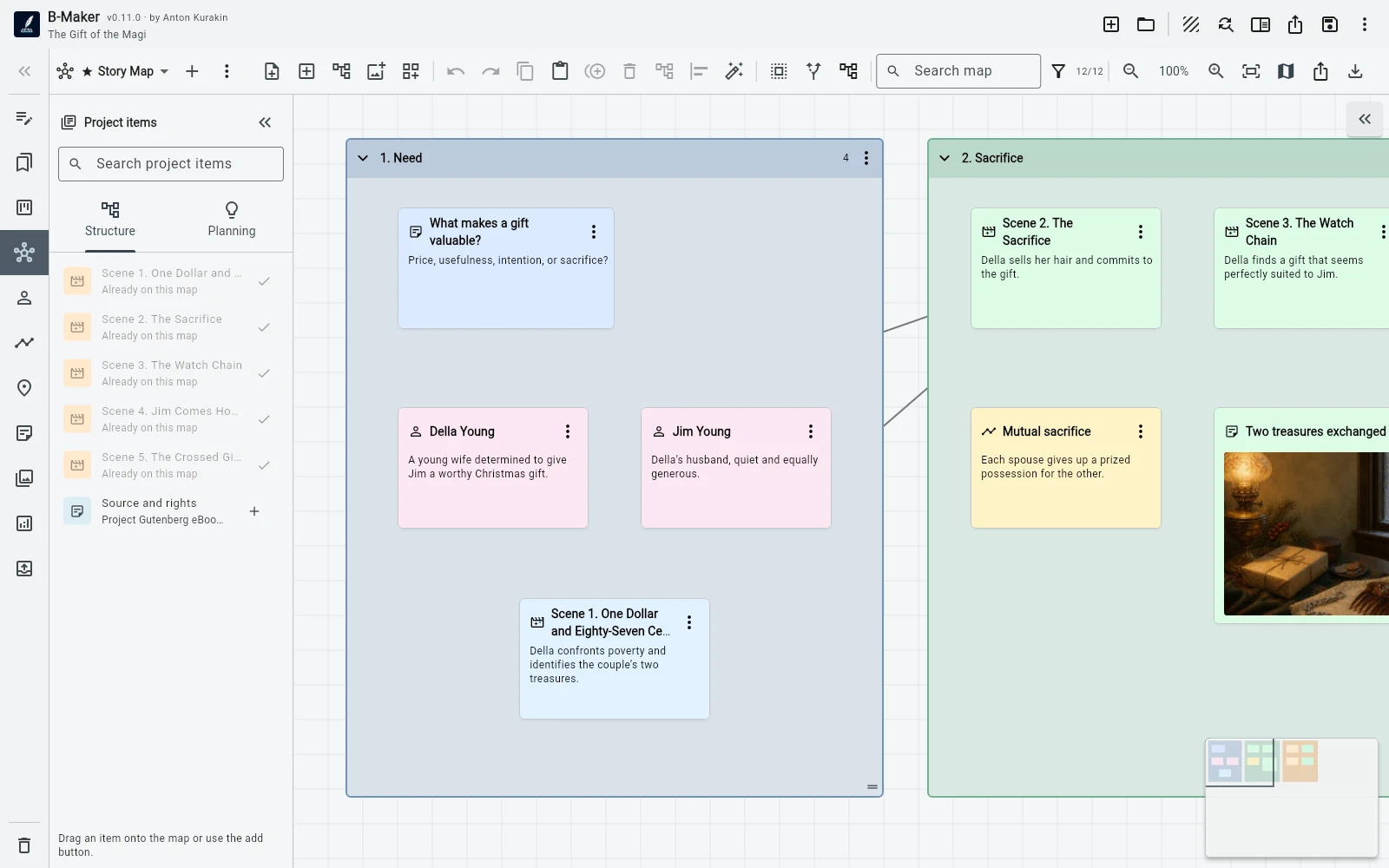
Choose Scapple when you want a focused visual scratchpad with minimal structure. Choose B-Maker when the map should stay connected to the manuscript and eventually turn ideas into real sections.
Two different jobs
Scapple is built as virtual paper: put notes anywhere, connect them, group them, and think without being forced into a hierarchy. That lack of project semantics is a feature when you want pure exploration.
B-Maker also allows freeform boards, but its map can contain real project entities. A character, chapter, scene, plotline, image, or planning card can appear on the board without becoming a disconnected copy.
When ideas become manuscript
In B-Maker, notes and groups on the Idea Map can become real manuscript sections with an initial text version. You can also move between the map and editor and add existing structure branches to a board.
That continuity matters if your visual thinking is not the final destination. It removes the manual step of recreating an outline or copying cards into the writing application.
Where Scapple remains stronger
Scapple is a mature specialist tool with a very clear purpose and native desktop workflow on macOS and Windows. If all you need is a lightweight canvas beside another writing app, its simplicity is hard to beat.
B-Maker makes more sense when you want the map to be one view of a larger writing system rather than a separate file.
Frequently asked questions
Can B-Maker Idea Map work as a freeform board?
Yes. It supports free positioning, connections, groups, images, multiple boards, search, a minimap, and auto-layout.
What makes B-Maker Idea Map different from a normal mind map?
Nodes can be actual manuscript and planning entities, and planning notes can become real sections.
Related B-Maker guides
Writing Software with an Integrated Idea Map · How to Organize a Novel Without Turning Writing Into Admin Work · B-Maker vs Scrivener
Official product reference
Scapple details are based on Literature & Latte’s official Scapple overview. B-Maker details reflect the current product project page.
Try the workflow on a real project.
Open B-Maker in the browser and start with one chapter or one article. Add deeper tools only when the project needs them.