
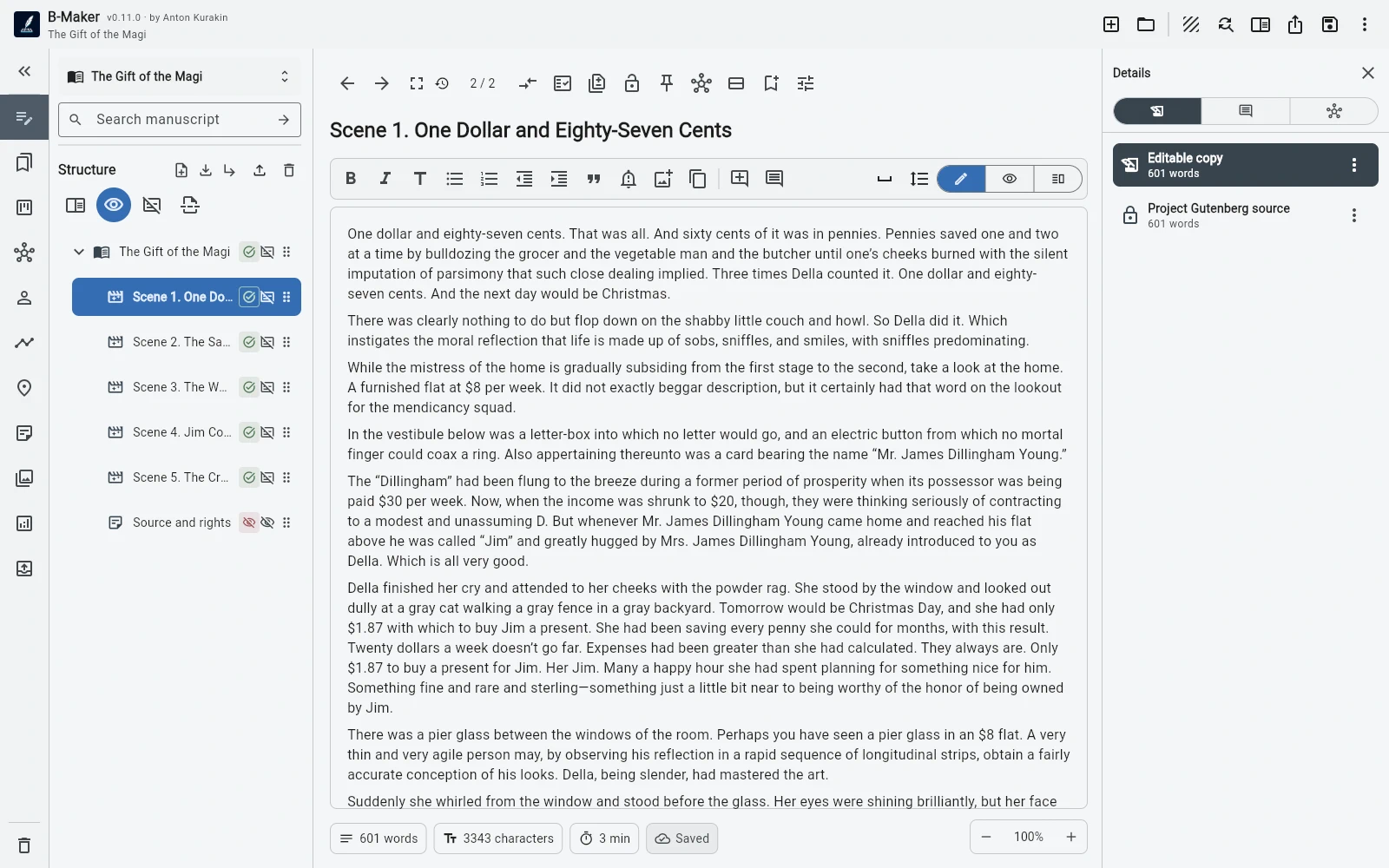
Use the same manuscript, planning, versioning, analytics, and publishing model in a modern browser. Native Linux packages are not currently claimed.
Browser-based long-form work
The web app supports books, article collections, manuscript structure, full-manuscript editing, Idea Map, planning entities, versions, analytics, preview, and export.
Linux support does not depend on a separate desktop package.
A portable project remains available
The browser project can be downloaded as .bmaker for backup and movement between machines.
B-Maker does not currently promise automatic multi-device synchronization; portability and sync should not be confused.
Who this fits
Linux and Chromebook users who are comfortable with browser-based tools can use B-Maker without switching operating systems. Writers who require a native Linux package should treat that as a current limitation.
The web approach also makes Chromebook a viable secondary writing or review device.
Frequently asked questions
Is there a native B-Maker Linux app?
Not currently. Linux uses the B-Maker web app.
Does B-Maker work on Chromebook?
Yes through a modern browser, with the same browser-based project workflow.
Related B-Maker guides
Cross-Platform Writing Software — Windows, Mac, Linux, Chromebook and Tablets · Local-First Writing Software — Keep Your Manuscript as Your File · Book Writing Software for Mac — Browser-Based B-Maker Workflow
Try the workflow on a real project.
Open B-Maker in the browser and start with one chapter or one article. Add deeper tools only when the project needs them.