
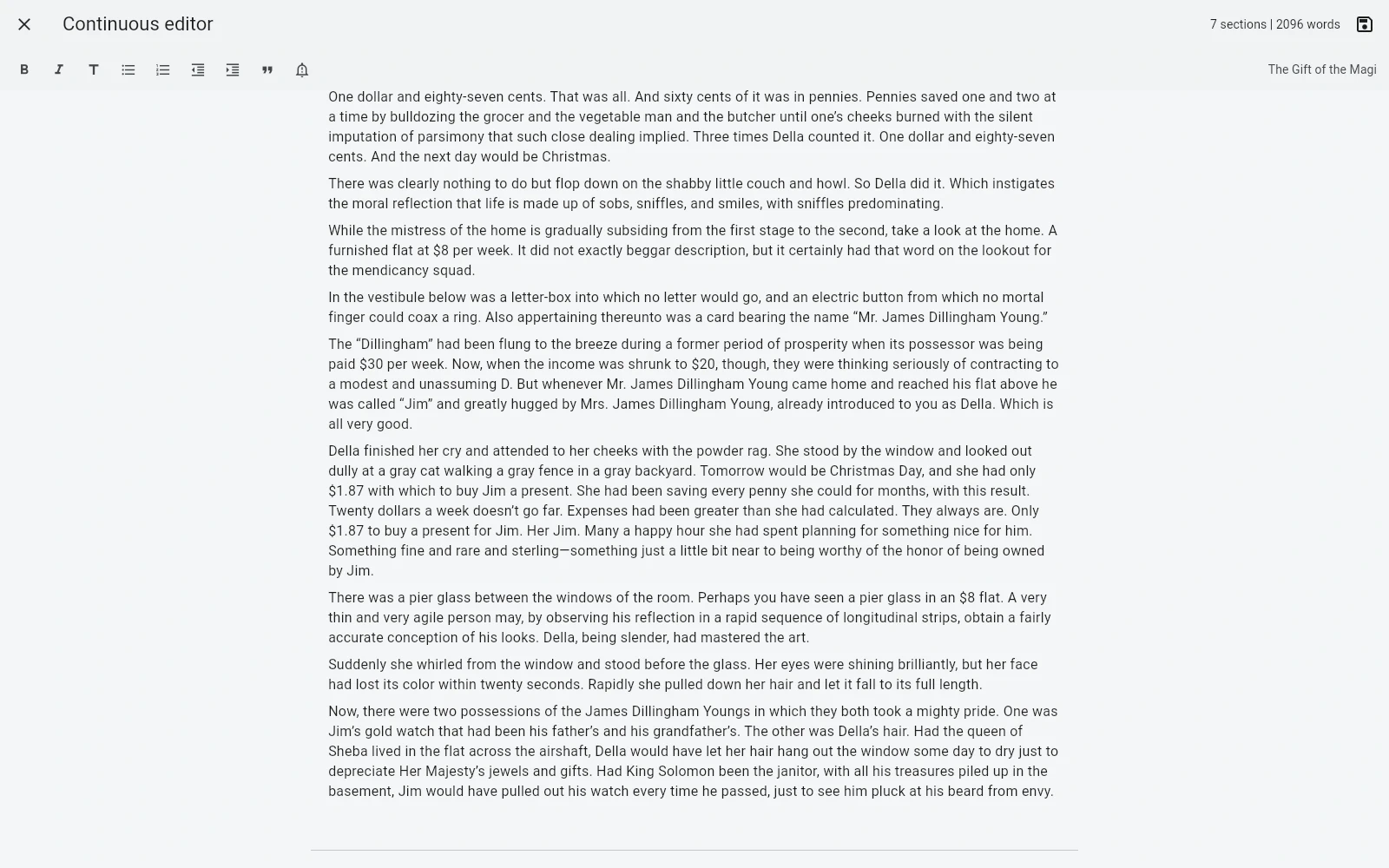
A tablet can be useful for writing, review, reading the full manuscript, planning, and light project work. The project can be downloaded as a portable .bmaker file.
A secondary writing surface
The browser workflow gives access to the same project model: manuscript, collections, Idea Map, planning, versions, analytics, preview, and export.
Touch ergonomics and browser limitations mean a tablet may be better as a secondary device than a full desktop replacement for every workflow.
No native-app claim
This page intentionally does not present the web app as a native tablet application. If you require platform-specific integrations or a dedicated offline package, that is a current limitation.
If browser-based work is acceptable, you can access the project without installing a store app.
Keep a portable copy
The web project can be downloaded as .bmaker for backup or transfer. Automatic cross-device synchronization is not currently claimed.
That makes the tablet workflow explicit and predictable rather than hiding sync assumptions.
Frequently asked questions
Is there a native B-Maker app for iPad or Android?
Not currently. Tablets use the B-Maker web app in a modern browser.
Can I download the project from a tablet browser?
Yes. The project can be downloaded as a portable .bmaker file.
Related B-Maker guides
Cross-Platform Writing Software — Windows, Mac, Linux, Chromebook and Tablets · Book Writing Software for Mac — Browser-Based B-Maker Workflow · Local-First Writing Software — Keep Your Manuscript as Your File
Try the workflow on a real project.
Open B-Maker in the browser and start with one chapter or one article. Add deeper tools only when the project needs them.