
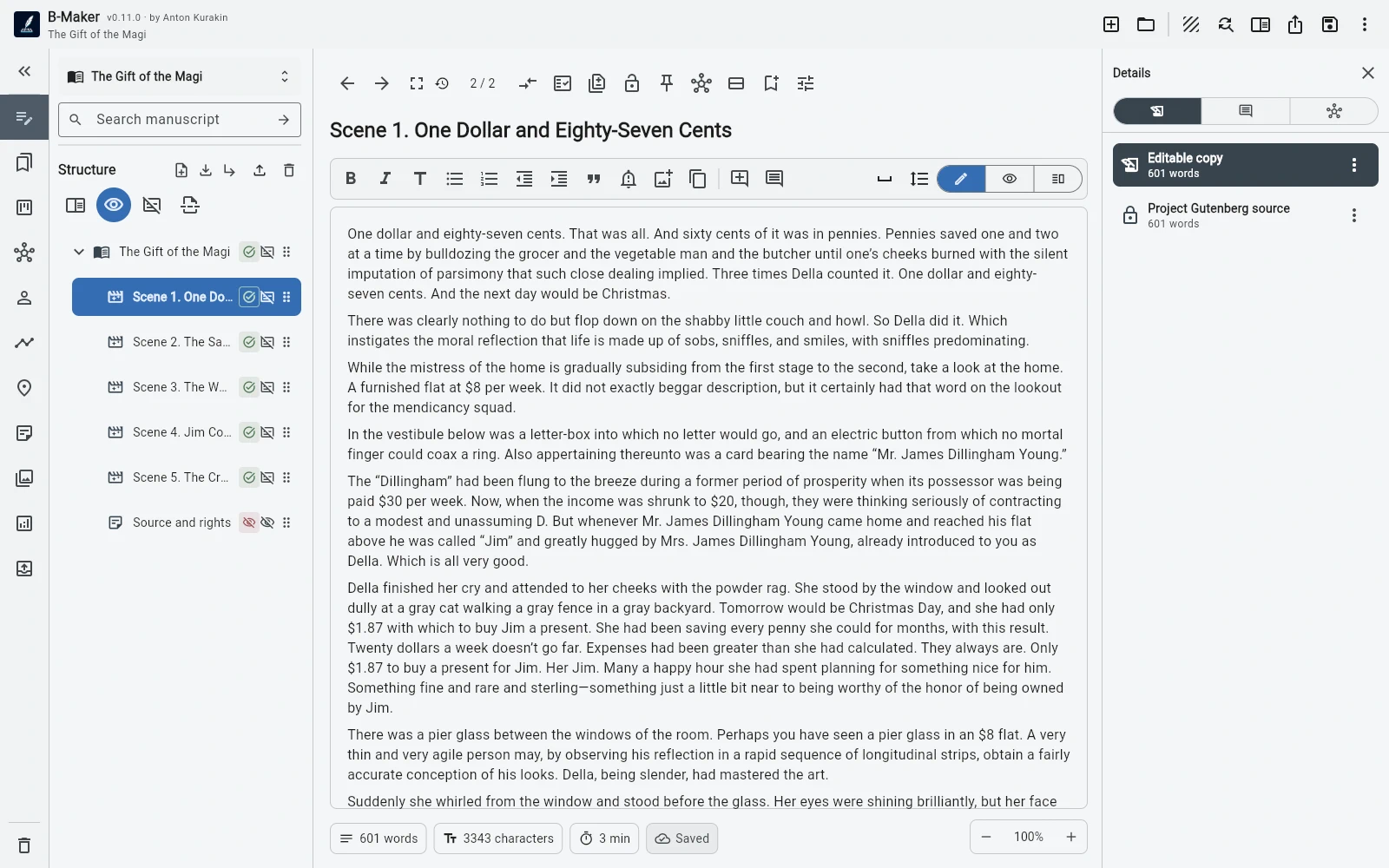
Write a chapter first. Add characters, collections, Idea Map, versions, analytics, preview, and publishing tools as the project grows.
A native local-file workflow
The Windows app works directly with portable .bmaker project files. Ordinary backup, copying, archiving, and file ownership remain straightforward.
The project is not required to live only inside a proprietary cloud account.
More than a text editor
The project can contain books or article collections, full-manuscript editing, planning entities, multiple versions, comments, analytics, cover and illustrations, and publishing preparation.
The point is not to show every tool at startup. The writing surface stays simple while the deeper model is available behind it.
Export when the work is ready
B-Maker can preview the complete book and export DOCX, EPUB, PDF, TXT, or Markdown. Working sections can stay in the project while being excluded from final output.
For writers who want automatic team sync or a cloud-only workflow, B-Maker's local-first model is a different trade-off.
Frequently asked questions
Is B-Maker a native Windows application?
Yes. Windows has a native desktop build.
Where is the project stored?
B-Maker uses portable .bmaker project files that you can keep and back up locally.
Can the same project be used on Mac?
Yes. B-Maker now also has a native macOS application built around the same portable project model.
Related B-Maker guides
Local-First Writing Software — Keep Your Manuscript as Your File · Cross-Platform Writing Software — macOS, Windows and Web · Book Writing Software for Mac
Start on Windows.
Install B-Maker and begin with one chapter or one article. Add deeper tools only when the project needs them.