
A normal version is editable history. A locked version is a reference point you deliberately do not want to change by accident.
“Sent to the editor” should mean something concrete
If you send revision 4 to an editor and keep editing the same revision, the label stops describing what was actually sent. Locking preserves that exact state while revision 5 continues.
Published and approved text deserves the same treatment
A published article, an approved chapter, a competition submission or a milestone draft may all need to remain exactly as they were. The point is not bureaucracy; it is being able to answer “what did we approve?” without reconstructing it later.
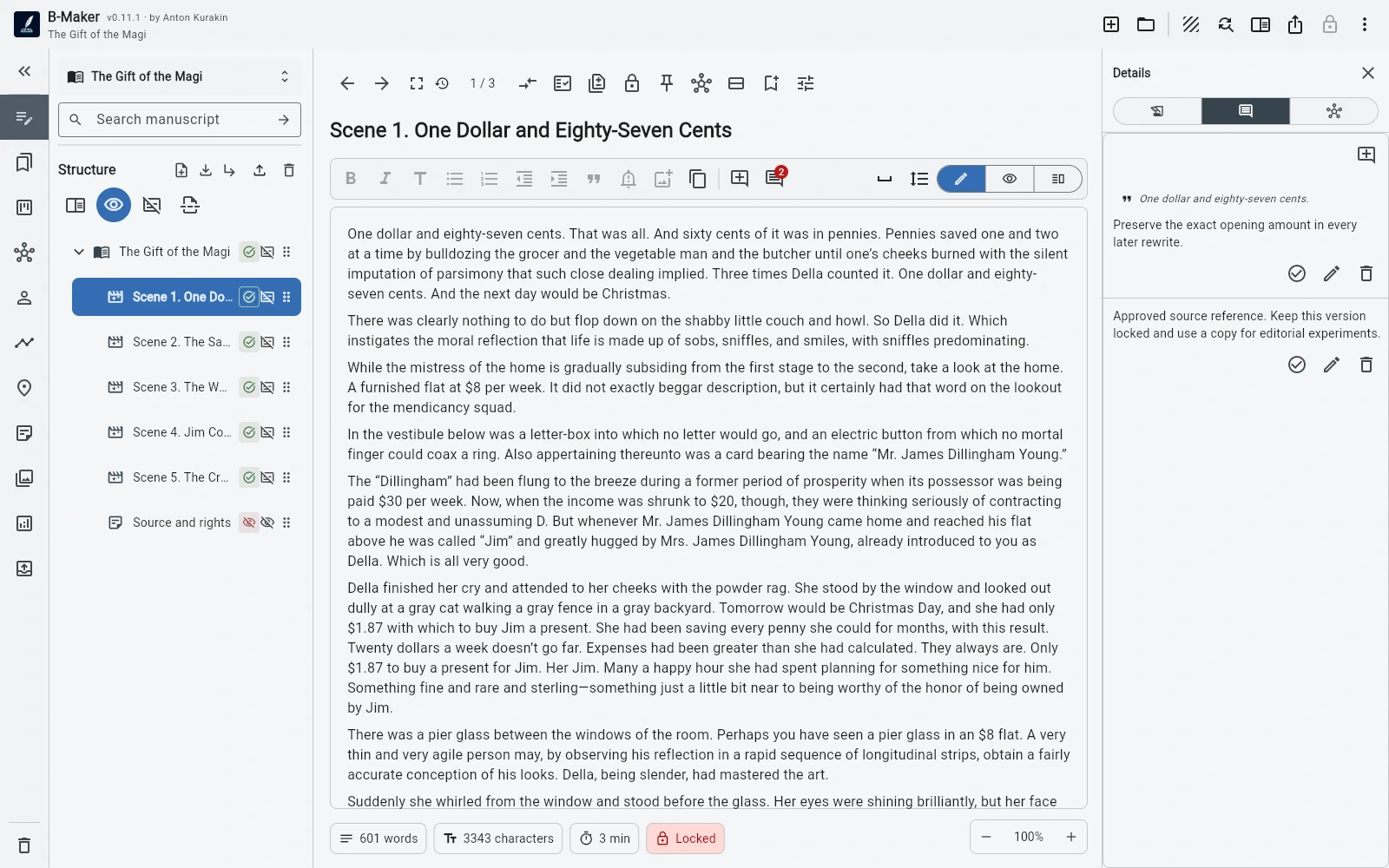
Locking is not the same as backup
A backup protects the project from loss. Locking protects meaning inside the project: this is the exact revision that mattered at this point.
Do not lock everything
Most versions should remain ordinary working revisions. Lock only states that have acquired external or historical significance.
Why text versions? · Version vs backup · Why compare versions?