
DOCX gives you a document. Import makes that text available to structure, versions, collections, planning, analytics and publishing inside the same project.
Word is already enough for many documents
If the work is short, linear and almost finished, moving it may solve nothing. B-Maker becomes useful when the text has grown into a system problem: multiple chapters, revisions, research, article archives or a publishing workflow.
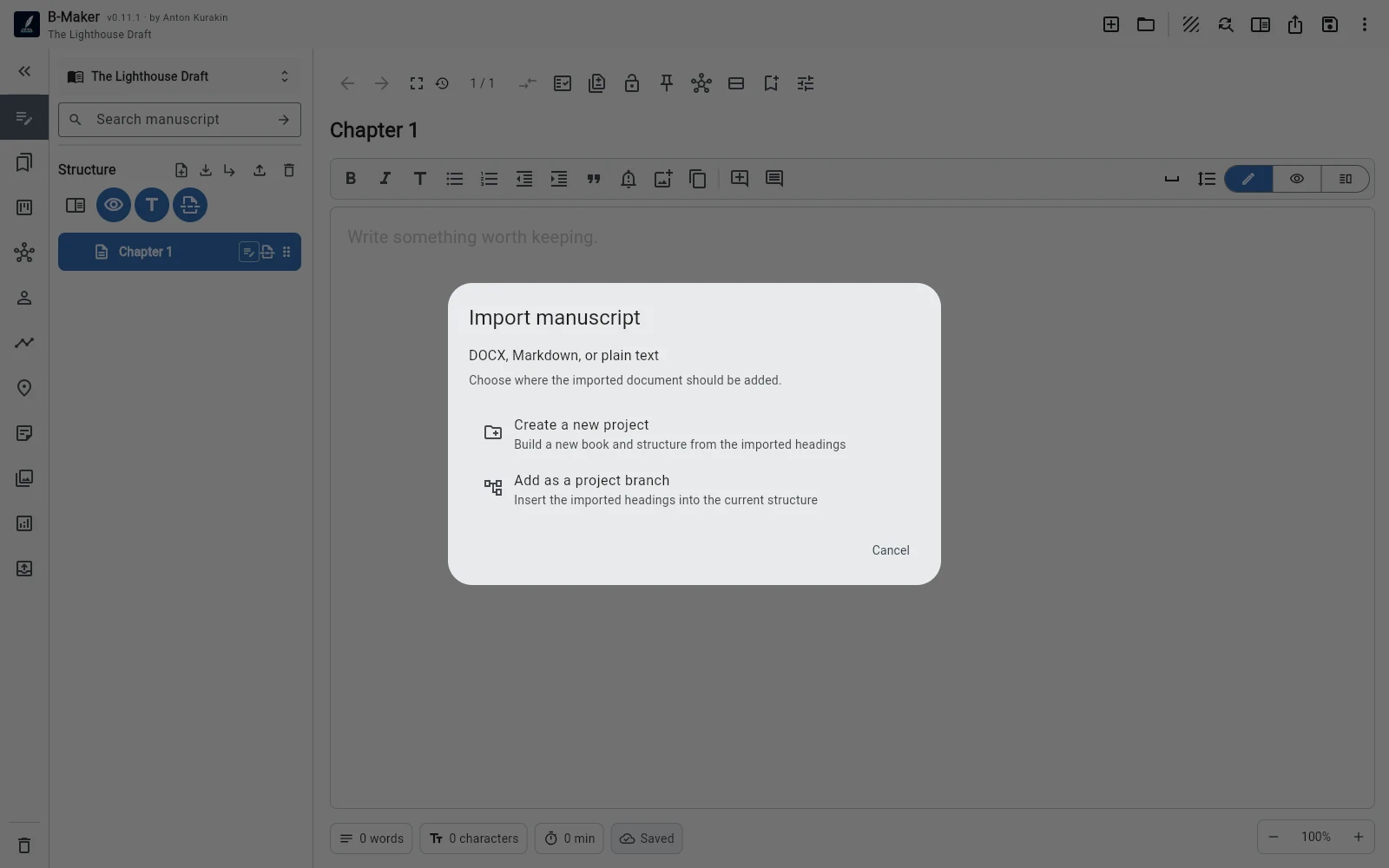
Import preserves previous work without freezing its form
You do not need to recreate the manuscript manually. Bring the existing text in, inspect what structure is already useful, then split or reorganize only where the next task benefits from it.
The value appears after import
A chapter can now have versions. Several articles can become a collection. Notes can move onto Idea Map. The manuscript can be read continuously, checked, previewed and exported without leaving the project.
Import is not a commitment to reorganize everything
The safest migration is gradual. Import first, continue writing, and let structure earn its place.